

TL;DR
Ableton Live 12 Suite (version 12.3 or later) can split a finished track into Vocals, Drums, Bass and Others, then warp, chop or recombine the results.
Engine DJ 5.0 can render four-part stems directly on RANE SYSTEM ONE hardware without a computer while normal playback continues.
Those stems are estimates, not your original multitracks. Ableton says sounds can land in unexpected categories. Producers should hear what their master becomes when software pulls it apart.
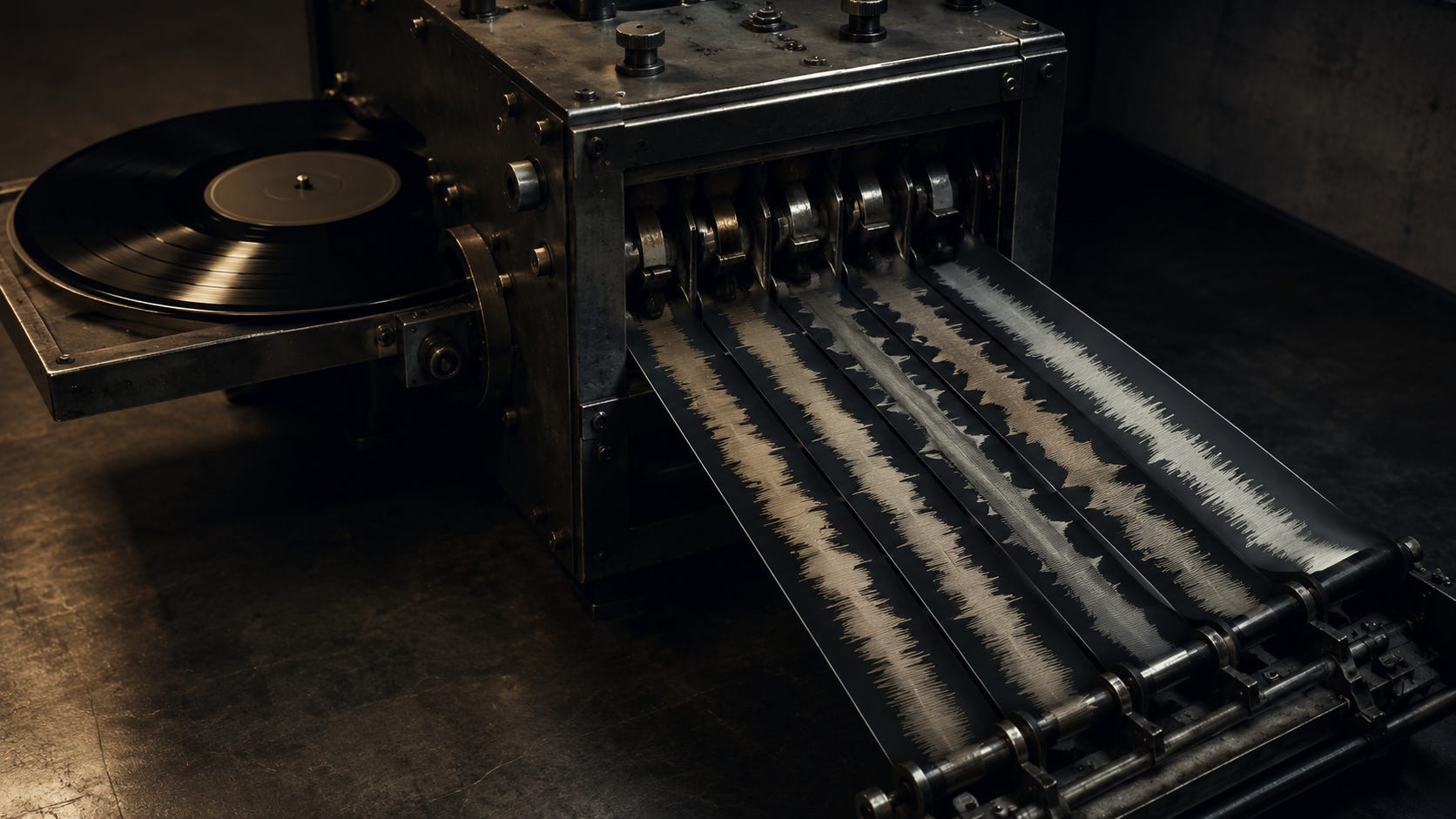
A finished master still leaves your studio as one stereo file. The software waiting on the other end increasingly treats that file as raw material.
Ableton Live 12 Suite can split recorded audio into Vocals, Drums, Bass and Others with a source-separation model that runs locally. Engine DJ 5.0 can render four-part stems directly on a RANE SYSTEM ONE without a computer. In April, Beatportal compared stem separation across rekordbox, Serato DJ Pro, djay Pro, Traktor Pro, VirtualDJ and Engine DJ.
The interesting producer problem isn’t which separator wins a shootout. A DJ can now get playable pieces from a master they only ever heard as one finished track.
Producing music, you know that the pieces aren’t your session stems. They’re the machine’s simplified estimate of them.
The master can be turned back into parts
Ableton shipped built-in Stem Separation with Live 12.3 Suite on November 25, 2025. Its current manual says the resulting clips behave like other audio in Live: they can be warped, chopped, rearranged and processed. Ableton lists remixing, mashups, sampling and DJ mixes among the intended uses.
Then Live 12.4 made the workflow more surgical. Since May 5, 2026, you can separate only a selected section of an Arrangement clip. You can also choose two or three separated parts and merge them into a new track. Ableton’s own example is removing the vocal and merging Drums, Bass and Others into an instrumental. The details are in Ableton’s 12.4 notes.
That changes the amount of preparation needed for an edit. You don’t have to pull an entire song apart before using one section. Sixteen bars can be enough.
Engine DJ moved the same basic idea onto standalone performance hardware. Engine DJ’s 5.0 announcement says RANE SYSTEM ONE can render four-part stems on the device with no computer attached. The track can keep playing while the render happens in the background.
There’s an important limit. This isn’t instant separation the moment you touch a pad. Engine’s support documentation says the stem controls become available after rendering finishes. If that track is already loaded, the controls are ready as soon as the render completes.
In other words, a DJ can arrive with one finished file and leave the separation step to the software or, on some hardware, the deck itself.
The machine doesn’t recover your session
This is the part I’d pay attention to as a producer.
Ableton says its model analyzes the spectral and temporal characteristics of the mixed signal. It isn’t opening your project and finding the tracks you named Kick, Bass, Vocal, Pads and Synth. It’s estimating components from the audio you already summed together.
Ableton is unusually direct about what can happen next. The manual says high frequencies from hi-hats may appear in Others. A synth with chorus can show up in Vocals. Material can land in a stem you didn’t expect because the model is classifying what it hears, not reading an arrangement.
That means the boundaries in the separated version can cut across boundaries you drew in the session.
A sound you thought of as part of the percussion may partly live somewhere else. A texture that only made sense glued into the full mix may become obvious when the drums disappear. The separated version can reveal relationships that were never created as solo objects because they were never supposed to be solo objects.
That isn’t automatically a defect. A DJ may only need a few bars of usable material under another track. Ableton itself frames stem separation as material for remixing, mashups and DJ mixing. The isolated part doesn’t have to sound like the original multitrack to become useful.
Don’t mix for the separator
I wouldn’t start moving sounds around because a separation model puts a synth in the wrong bucket.
The master still has to work as a track. Stem separation is a check on what someone else can extract from it, not a new mix target.
Ableton even offers High Speed and High Quality modes, and its manual suggests trying both when the results aren’t what you want. That alone should kill the idea that there’s one fixed, objective set of hidden stems waiting inside every stereo file. The output depends on the separation process and the source material.
We already change listening conditions to learn something about a mix. Stem separation is different because it doesn’t only change playback. It changes the material the listener gets.
The useful question is plain: what happens to your arrangement when somebody can mute one category and keep the rest?
Maybe the answer is ugly. Fine. Your track wasn’t written to be four independent solo tracks. But if one of the separated parts contains a transition, texture or rhythmic fragment a DJ could actually use, that’s worth knowing too.
Run 16 bars through it
Take the released master, because that’s the file another DJ is likely to have. Pick 16 bars where the arrangement is doing real work. A transition is useful. So is a section where the full groove is in.
Run that section through Live 12.4 in High Quality mode. Listen to the full master once. Then solo Drums, Bass, Vocals and Others one at a time. Don’t fix anything yet.
Write down what surprises you. Which sound landed somewhere you wouldn’t have put it? Is one separated part more useful than you expected? Does removing a stem uncover a movement that was hard to notice in the full track? Is there an artifact bad enough that the part falls apart by itself?
Then make four versions with one category missing each time. Live 12.4 can merge selected stems into one new track, so this is quick. Play those versions like you were building an eight or sixteen bar transition into another track.
Don’t ask whether the stems are perfectly clean. Ask what a DJ can actually do with them.
What the DJ gets is worth hearing
The test may not change a single mix decision. That’s okay.
If the master works and the separated parts are messy, the separator may simply be making a rough estimate from a dense stereo file. If a strange piece comes out that works under another track, you’ve learned something different: your finished track contains performance material you never bounced on purpose.
The useful outcome is knowing what comes out. Sometimes the result will be clean enough to use. Sometimes it will sound mangled. Either way, you’ve heard a version of the track that current production and DJ tools can create without your session.
Before the next release, I’d run the master through stem separation once and listen without trying to repair it. I’d want to know what the software hands to the person on the other side.
Which 16 bars of your latest track become more interesting when one of the four parts disappears?
Resources
Ableton, Stem Separation - Live 12 Manual. Current documentation for the local deep-learning separation model, four stem types, creative uses, editing behavior and examples of material appearing in unexpected stems.
Ableton, Live 12.3 is here - see what’s new, November 25, 2025. Confirms the public release of built-in Stem Separation in Live 12.3 Suite.
Ableton, What’s new in Live 12.4, May 2026. Documents time-selection separation and Merge to Single Track.
Engine DJ, Introducing Engine DJ 5.0 - On-Board Stems Rendering for the RANE SYSTEM ONE, May 14, 2026. Documents four-part on-device stem rendering without a computer and background rendering during playback.
Engine DJ, RANE SYSTEM ONE - On Device Stems Rendering. Clarifies that stem functions become available after rendering completes and that playback can continue while another track is rendering.
Beatportal, Who Does Stem Separation for DJs Best? All DJ Platforms Compared (2026 Edition), April 16, 2026. Industry comparison covering rekordbox, Serato DJ Pro, djay Pro, Traktor Pro, VirtualDJ and Engine DJ, plus studio-focused separation tools.
Analytical note: the argument that the finished master is becoming easier to treat as performance material is my inference from these product capabilities. None of the sources measures how often DJs actually separate a given track in public. I’m not claiming that every DJ does this or that producers should mix for separation algorithms.